
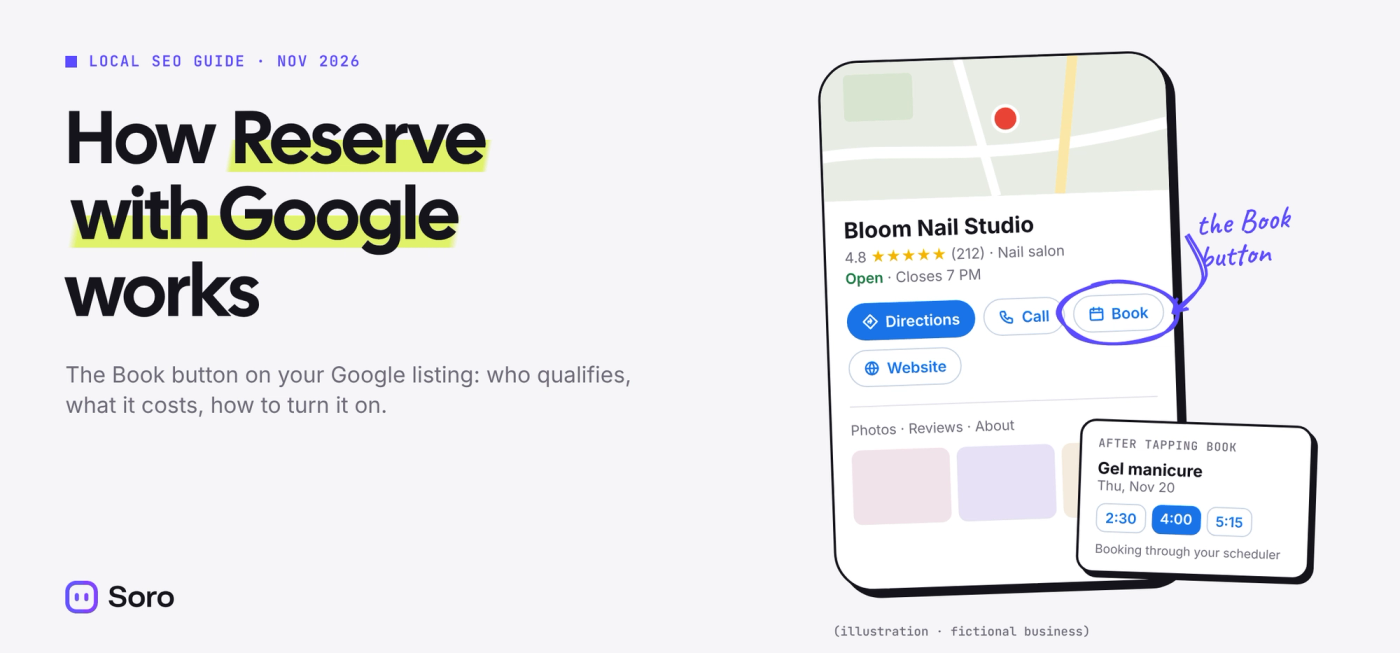
Some salons on Google Maps have a Book button right on their listing. A customer picks a service and a time, confirms, and that’s it. No phone call, no trip to the website. That button is Reserve with Google.
You don’t buy it from Google. It comes through your booking software, if that software is one of Google’s partners. Connect the two in your Business Profile and your open times appear on your listing in Search and Maps.
The short version: if your scheduler is on Google’s partner list, Reserve with Google takes a few clicks to switch on, and the only possible cost comes from your provider.
How Reserve with Google Works
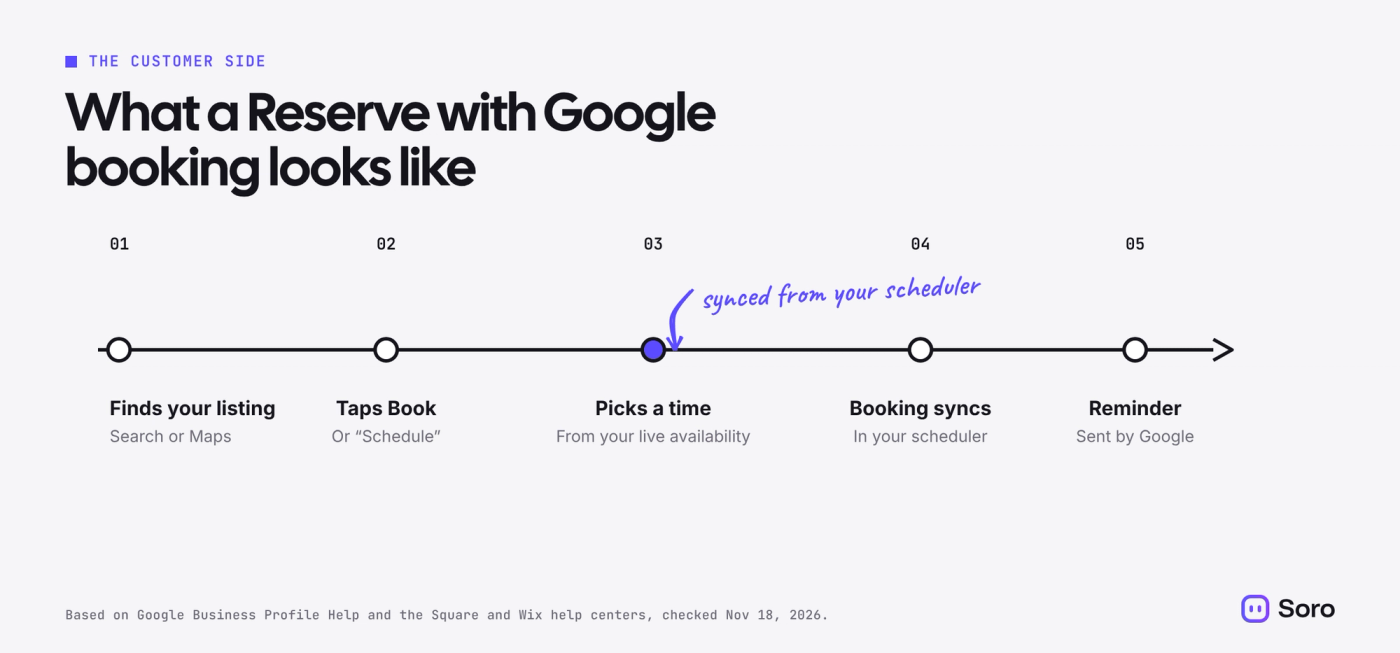
For the customer, it looks like part of Google. They find your listing, tap the booking button (some schedulers label it Schedule instead of Book), pick a service and a time from your real availability, and confirm. Google sends them a reminder. Square’s help center adds that customers can also cancel or reschedule from Google.
For you, nothing changes in how you work. Your scheduler sends your services, prices and open times to Google and keeps them in sync. A booking made on Google lands in your calendar like any other. You never manage availability inside Google itself.
Google says the service is only available in certain countries and regions, and only for businesses that use a supported scheduling provider.
Who Can Use Reserve with Google
Three things need to be true before the button shows up.
Your scheduler is a Google partner. Google keeps the list on its Reserve with Google partners page. These are the ones most relevant to local service businesses as of November 18, 2026:
| Business type | Schedulers on Google’s partner list |
|---|---|
| Hair, nails, beauty, spa | Booksy, Fresha, Mindbody, Squire, SalonUltimate |
| Any appointment-based business | Square Appointments, Setmore, SimplyBook.me |
| Home services and trades | Housecall Pro, ServiceTitan, Workiz, Thryv |
Your Business Profile is claimed, and the address matches. Square’s setup guide requires your Google address to match the one in Square Appointments exactly. Wix says Google matches your website to your Maps listing too, so fix any difference before you start. If your profile isn’t verified yet, verify your Google Business Profile first.
Your business and services qualify. Google approves services one at a time. Wix’s help center gives the example of a gym with one class approved and another rejected, and lists fixed pricing and in-person payment among the requirements. Square adds that booth and room renters don’t qualify, only the owner or tenant of the location.
How Much Does Reserve with Google Cost?
Google’s Business Profile help pages don’t list any fee from Google. The setup lives in your free profile.
Any cost comes from your provider. Google’s bookings help page warns that your provider might charge you when customers book through Google. Square, for example, offers it on its Free, Plus and Premium Appointments plans. Check your own scheduler’s pricing page before you connect it.
How to Set Up Reserve with Google
You can start from Google’s side:
- Go to business.google.com and open your Business Profile.
- Select Bookings.
- Select Get started, choose your provider and select Done.
Most schedulers also let you switch it on from their side. In Square, it’s under Appointments > Online Booking > Channels, next to Reserve with Google.
Then wait. Google says the provider should show on your profile within a week. Square says to allow 72 hours, and Wix says Google can take up to two weeks to approve services. Google doesn’t notify you when it goes live, so search for your business on your phone to check.
Why Your Reserve with Google Button Isn’t Showing
Usually it’s one of four things: it hasn’t been long enough, your address doesn’t match between Google and your scheduler, your business type or a service doesn’t qualify, or you rent a booth or room instead of the space itself. Fix the address first, then give it another week.
If it still doesn’t appear, ask your scheduler’s support team. They can see the status of the Google connection on their side, which you can’t.
Reserve with Google vs a Booking Link
If your scheduler isn’t a partner, add a booking link instead. In Google Maps, select Edit profile, then Booking, then Add link. Customers tap through to your own booking page rather than booking on Google.
Two catches. The page has to let people finish the booking, so an Instagram profile, a WhatsApp chat or a link shortener won’t be accepted. And Google shows no booking performance data for custom links, while Reserve with Google bookings are tracked.
You may also find booking links on your profile you never added. Partners can place them automatically. You can’t delete those in your settings; you ask the provider to remove them, and Google says providers must do that within 5 business days.
Why Reserve with Google Matters More Now
On November 16, 2026, Google said Ask Maps, the AI chat in Google Maps, can now find beauty, pet care, auto and home repair appointments online and call local businesses for people in the US. Someone types “find me a 4 p.m. nail appointment near me” and gets a list of open slots nearby.
Google didn’t say where those slots come from. Our bet: businesses whose times are already on Google through Reserve with Google are the easiest for Ask Maps to show. Phone-only businesses get a call from Google at best.
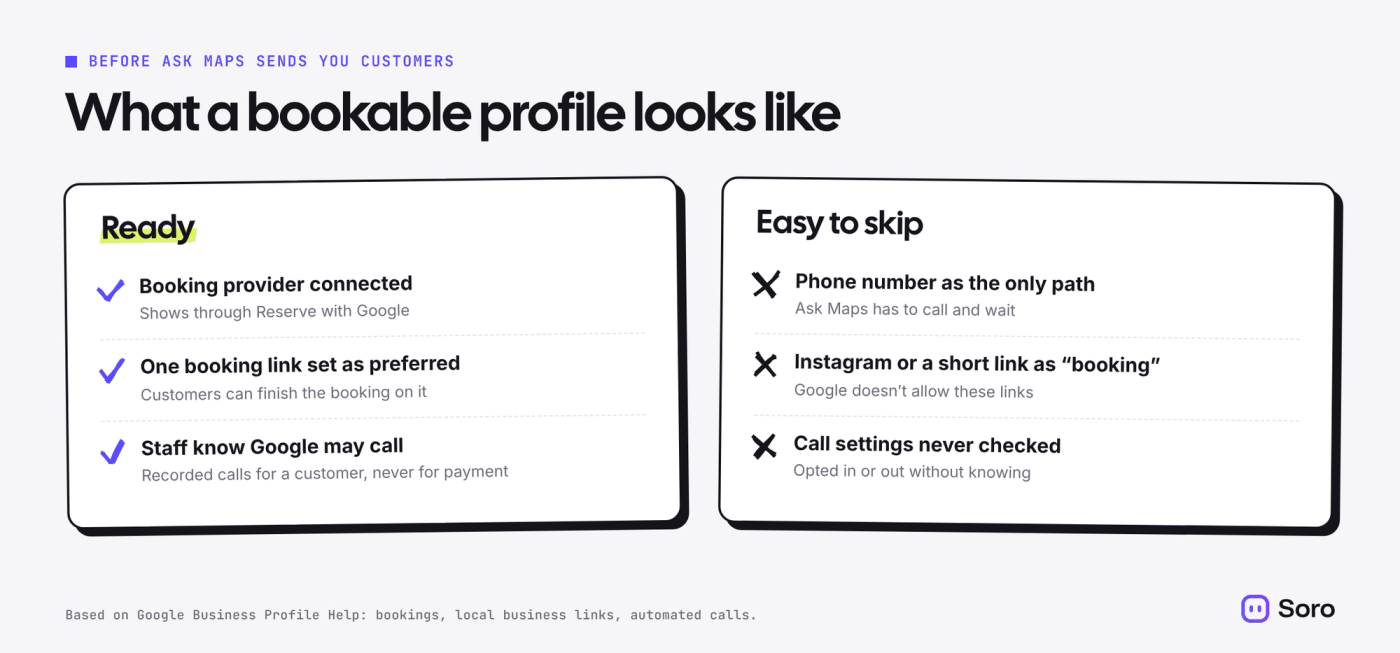
Those calls are real, and you control them. Google’s page on automated calls says it may call to book appointments for customers, that calls are recorded, and that it never asks for payment, card details or passwords. The switch is under More > Business Profile settings > Advanced settings > Bookings and inquiries from customers. If someone reliably answers your phone, leave it on.
Does Reserve with Google Help Your Google Maps Ranking?
There’s no evidence it does. Google says local rankings come down to relevance, distance and prominence, and that you can’t pay for a better position. A booking button isn’t on that list.
What it does is turn more of the people who already found you into bookings. Getting found is a separate job, and our guide to how Google Maps ranking works covers it.
Before You Turn It On
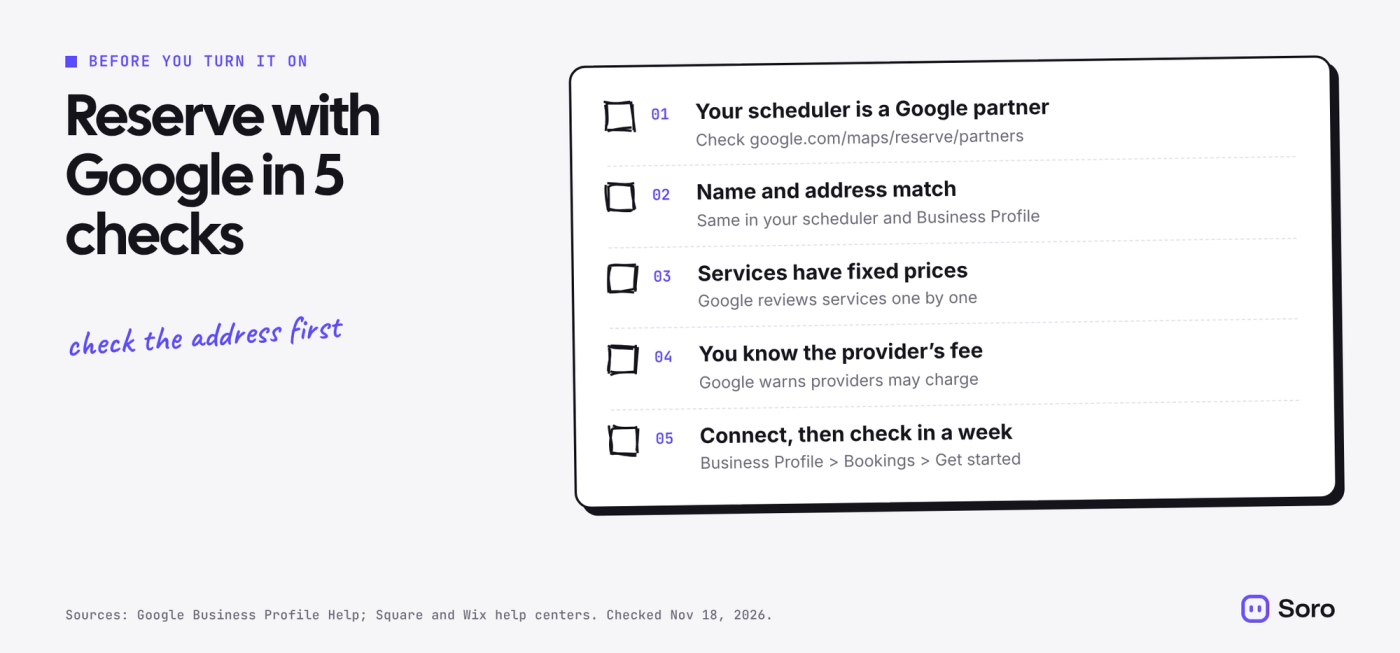
- Check the partner list for your scheduler and country.
- Match your name and address in your scheduler and your Business Profile.
- Give the services you want booked a fixed price.
- Ask your provider what Google bookings cost, if anything.
- Connect it under Bookings, then search for yourself on your phone a week later.
Once bookings work, the rest is keeping your profile complete so more people find it. Our Google Business Profile optimization checklist covers the basics.